

Collectez un feedback léger en fin de chat : un pouce haut ou bas, un motif facultatif, et si l’IA a été utile.
Collectez un feedback léger en fin de chat. Les utilisateurs peuvent donner un pouce haut ou bas, répondre à Was the AI helpful?, et laisser éventuellement un motif ou une courte note. Les résultats sont synthétisés dans l’onglet Conversation Rating d’Insights.
Activer
- Ouvrez Insights → Conversation Rating.
- Activez l’option.
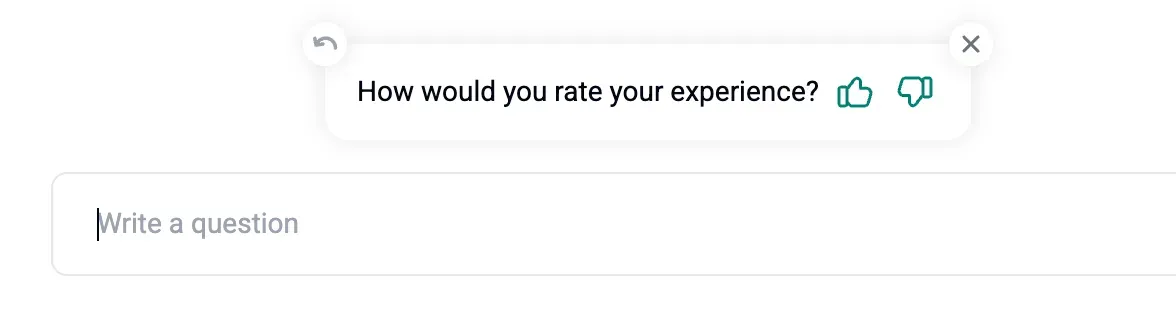
- Après le 2e message de l’IA, le visiteur verra une invite à noter :
Quand demandons-nous une note
- Après 30 minutes d’inactivité
- Après le deuxième message IA
- À la fermeture du chat par l’utilisateur
Où lire les notes
- Dans Insights → Conversation Rating, vous verrez :
- How was your chat experience (répartition)
- Was the AI helpful (oui ou non)
- Why was AI not helpful (raisons)
- Dans l’Inbox, cliquez sur l’icône ⭐ d’une conversation pour vérifier son statut de notation. Vous pouvez aussi exporter les notes avec les conversations au format CSV.