

チャット終了時に軽量なフィードバックを収集します。ユーザーは いいね/よくない を付け、Was the AI helpful? に回答し、任意で理由や短いメモを残せます。結果は Insights 内の Conversation Rating タブに集計表示されます。
有効化
- Insights → Conversation Rating を開きます。
- トグルをオンにします。
- AI の 2 通目のメッセージの後に、訪問者に評価プロンプトが表示されます:
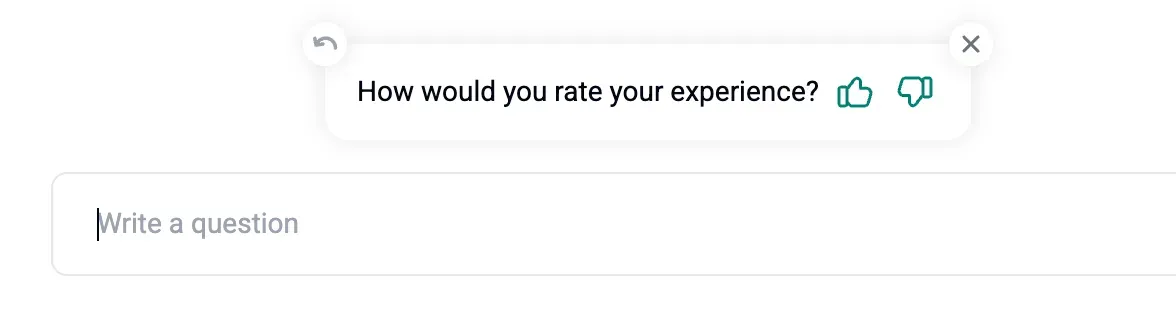
評価を求めるタイミング
- 30 分間の無操作後
- AI の 2 通目のメッセージの後
- ユーザーがチャットを閉じたとき
評価を確認できる場所
- Insights → Conversation Rating では、次が表示されます:
- How was your chat experience(分布)
- Was the AI helpful(はい/いいえ)
- Why was AI not helpful(理由)
- Inbox では、任意の会話の ⭐ アイコンをクリックして評価状況を確認できます。会話とともに評価を CSV にエクスポートすることもできます。