

Erfassen Sie am Chat-Ende leichtgewichtiges Feedback — einen Daumen hoch oder runter, einen optionalen Grund und ob die KI hilfreich war.
Erfassen Sie am Chat-Ende leichtgewichtiges Feedback. Nutzer können einen Daumen hoch oder runter geben, die Frage Was the AI helpful? beantworten und optional einen Grund oder eine kurze Notiz hinterlassen. Die Ergebnisse werden im Tab Conversation Rating innerhalb von Insights zusammengefasst.
Aktivieren
- Öffnen Sie Insights → Conversation Rating.
- Schalten Sie es ein.
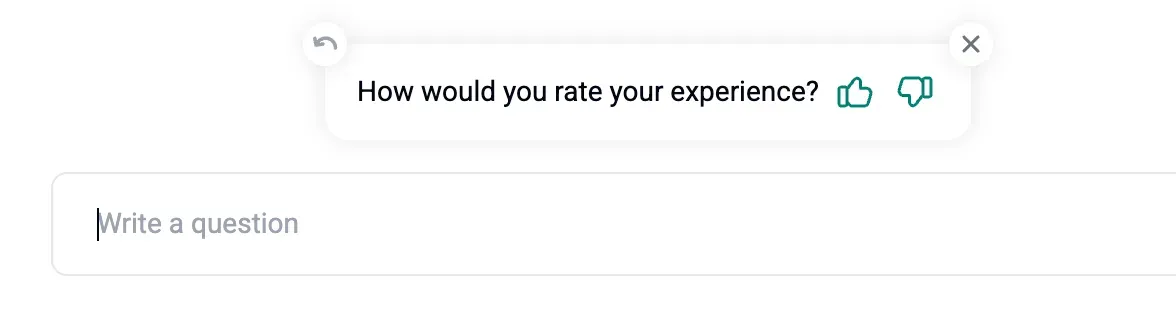
- Nach der 2. KI-Nachricht sieht der Besucher eine Bewertungsaufforderung:
Wann wir nach einer Bewertung fragen
- Nach 30 Minuten Inaktivität
- Nach der zweiten KI-Nachricht
- Wenn der Nutzer den Chat schließt
Wo Sie Bewertungen ansehen
- In Insights → Conversation Rating sehen Sie:
- How was your chat experience (Verteilung)
- Was the AI helpful (ja oder nein)
- Why was AI not helpful (Gründe)
- In der Inbox klicken Sie auf das ⭐-Icon einer beliebigen Konversation, um ihren Bewertungsstatus zu prüfen. Sie können Bewertungen auch zusammen mit Konversationen als CSV exportieren.