

Collect lightweight feedback at the end of chats — a thumbs up or down, an optional reason, and whether the AI was helpful.
Collect lightweight feedback at the end of chats. Users can give a thumbs up or down, answer Was the AI helpful?, and optionally leave a reason or short note. Results are summarized in the Conversation Rating tab inside Insights.
Enable it
- Open Insights → Conversation Rating.
- Toggle it on.
- After the 2nd AI message the visitor will see a rating prompt:
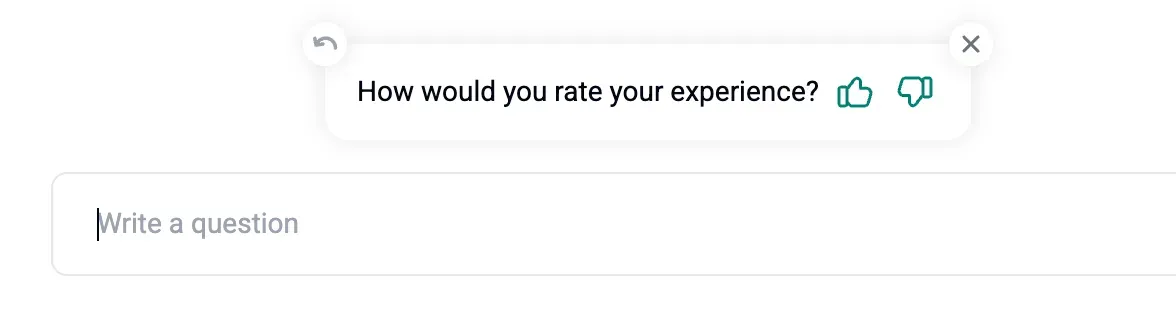
When we ask for a rating
- After 30 minutes of inactivity
- After the second AI message
- When the user closes the chat
Where to read ratings
- In Insights → Conversation Rating you will see:
- How was your chat experience (distribution)
- Was the AI helpful (yes or no)
- Why was AI not helpful (reasons)
- In the Inbox, click the ⭐ icon on any conversation to check its rating status. You can also export ratings with conversations to CSV.